Mianki Guide
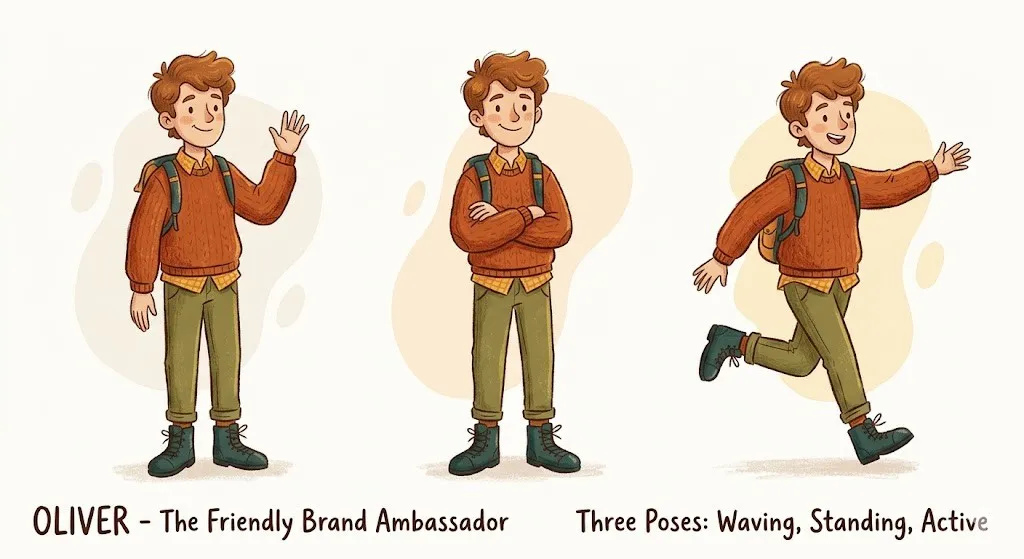
How to use Character Pin — consistent characters across every scene
Character Pin lets you train a specific character — a brand mascot, a recurring illustrated figure, or a persona — and keep them consistent across unlimited scenes, poses, expressions, and contexts. This guide explains how to set it up.

How to use Product Pin — keeping your product consistent across every scene
Product Pin lets you lock a specific product into your generated imagery and keep it visually consistent across hundreds of different scenes, compositions, and contexts. This guide explains how to set it up and use it effectively.
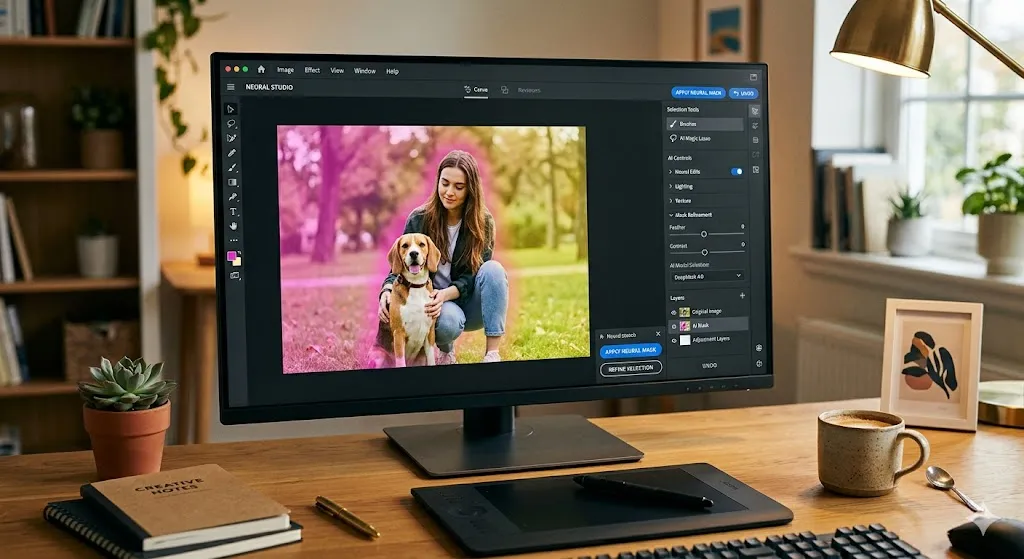
How to use Inpainting — editing specific areas of your generated images
Inpainting lets you select any region of a generated image and regenerate it with a new prompt — while keeping the rest of the image, your composition, and your brand style completely intact. This guide explains how to use it effectively.
: How to write prompts that get the results you want
The quality of your Mianki AI outputs is directly determined by the quality of your prompts. This guide explains how to write prompts that consistently produce production-ready results.

How to compile a perfect dataset for your style training
The quality of your trained style depends almost entirely on the quality of your training dataset. This guide explains exactly what to upload, what to avoid, and how to select images that produce the sharpest, most precise brand style possible.
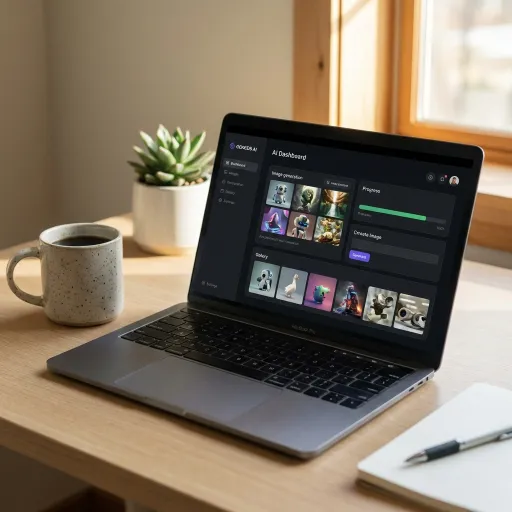
Getting started with Mianki AI — a complete walkthrough
This guide walks you through everything you need to go from a brand new Mianki AI account to your first trained style and first generation in under an hour. If you are new to Mianki AI, start here.

