Getting started with Mianki AI — a complete walkthrough
This guide walks you through everything you need to go from a brand new Mianki AI account to your first trained style and first generation in under an hour. If you are new to Mianki AI, start here.
Step 1 — Create your account
Go to app.mianki.ai and click Start for free. Enter your email address and create a password, or sign up with Google. You do not need a credit card to get started — your first style training is free.
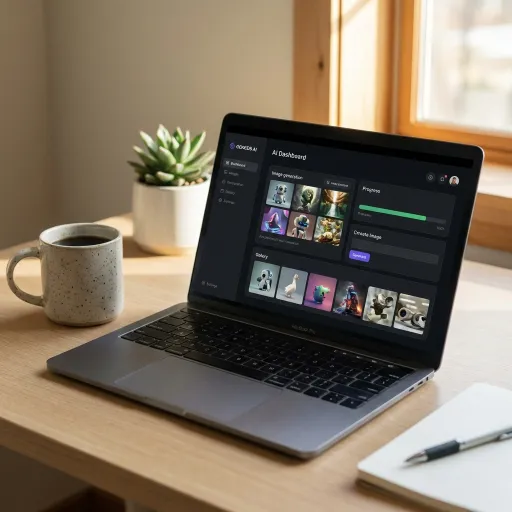
Once your account is created you will land on your Home dashboard. This is your central workspace. From here you can create Workspaces, manage your trained styles, browse your generated images, and access all generation tools.
Step 2 — Create your first Workspace
Workspaces keep your projects organised. We recommend creating one Workspace per brand or client.
To create a Workspace, click New Workspace from the Home dashboard. Give it a name — for example, your brand name or the client you are working with. You can create as many Workspaces as you need.
Once your Workspace is created, everything you train and generate inside it is kept separate from your other projects.
Step 3 — Train your first style
Your trained style is the core of everything in Mianki AI. It is what makes your generations look like your brand rather than a generic AI output.
To train your first style, open your Workspace and click New Style. You will be prompted to:
Give your style a name
Upload your training images (10 to 20 recommended — see our dataset guide for what to upload)
Click Start Training
Training takes approximately 30 to 60 minutes. You will receive an email notification when your style is ready. Your first training is completely free.
Step 4 — Run your first generation
Once your style is trained, open it and click Generate. You will see the generation studio — a clean interface with a prompt input field, your style pre-selected, and generation settings.
Type a description of the image you want to create. Be specific about the scene, the subject, the mood, and the context. Click Generate and Mianki AI will produce four variations in your brand style within seconds.
Review the four outputs side by side. Click any image to expand it. If you want to refine the result, adjust your prompt and generate again. When you are happy with an output, click Download to save it at full resolution.
Step 5 — Explore the editing tools
Once you have generated an image you like, you can refine it further using Mianki AI's editing tools:
Inpainting — Select any region of the image and regenerate it with a new prompt while keeping the rest of the image intact.
Vary — Generate four new variations of a specific output while keeping the general composition.
Recreate — Use an existing generated image as a reference to generate new images in a similar composition.
Upscale — Increase the resolution of any generated image up to 4K (or 8K on enterprise plans).
Step 6 — Download and use your images
All images downloaded from your private trained style come with full commercial usage rights. No watermarks. No additional licencing fees. No restrictions on how or where you use them.
Images download as high-resolution JPG files by default. PNG and SVG (vectorised) export options are available depending on your plan.
What's next?
Once you have completed your first generation session, we recommend:
— Reading the Dataset Guide to optimise your training images for better results — Exploring the Prompt Writing Guide to improve your generation quality — Setting up Team Sharing if you want colleagues to generate from your style — Reviewing Credits and Billing to understand how usage is counted

